NFTLA | Networking
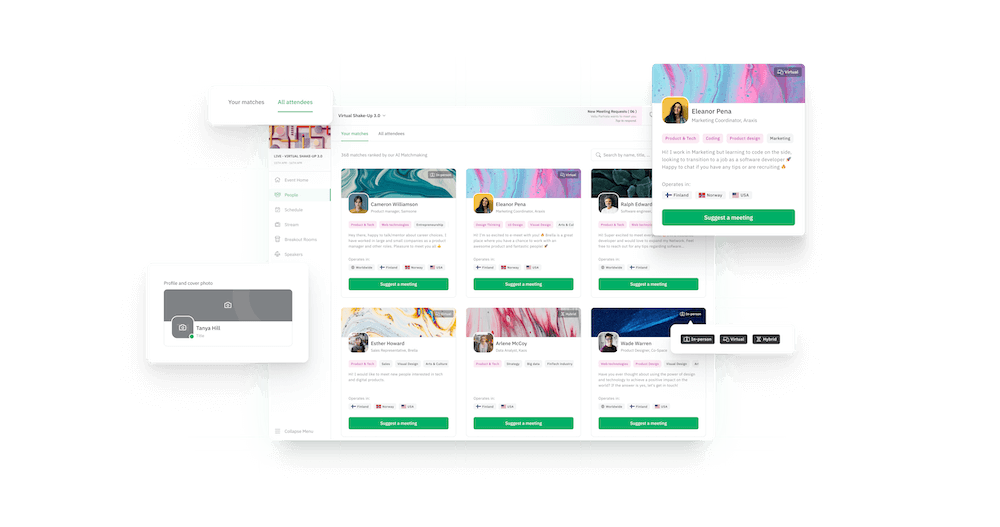
Whether you're looking for new business opportunities, mentorship, jobs, or much more, the right person is waiting for you at NFT|LA. And to help you supercharge your event experience, we're using the networking-focused platform Brella.
We’re thrilled to open Brella on Sunday, March 27, 2022, so you can start connecting with other attendees before our event begins.
So what’s all the fuss about Brella?
- Get personalized recommendations based on your specific interests and goals
- Easily schedule short 1:1 meetings with fellow attendees
Growing your network with the right people has never been more efficient. Keep an eye on your inbox to be notified the instant our platform goes live!
Let's get started
Signing in to Brella for the First Time
If you have used Brella before, you can use the same account for this event. For that, go to next.brella.io to sign in and follow the instructions in your invitation email.You can sign in to Brella on your laptop, PC, or mobile.
Create an Account
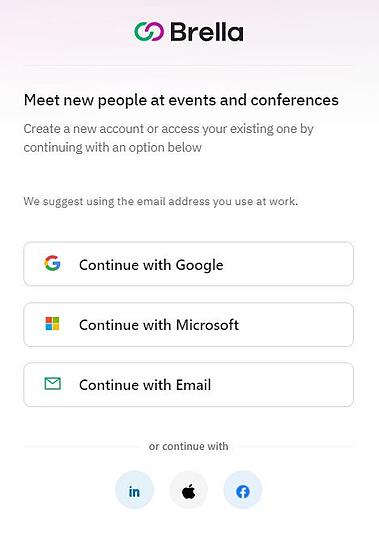
Choose how you would like to create a Brella account—via email or social login.
If you create a Brella account with Facebook, Google, Microsoft, LinkedIn, or Apple, you'll need to create an account with your respective email and password.
Find more info here if you get stuck creating an account.
Confirm Your Email
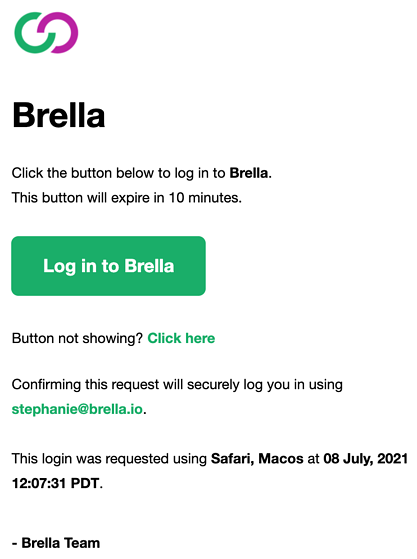
Open your email, and you will find a login email. Please open it and click on the green button: Log in to Brella.
Create your Profile and Enjoy!
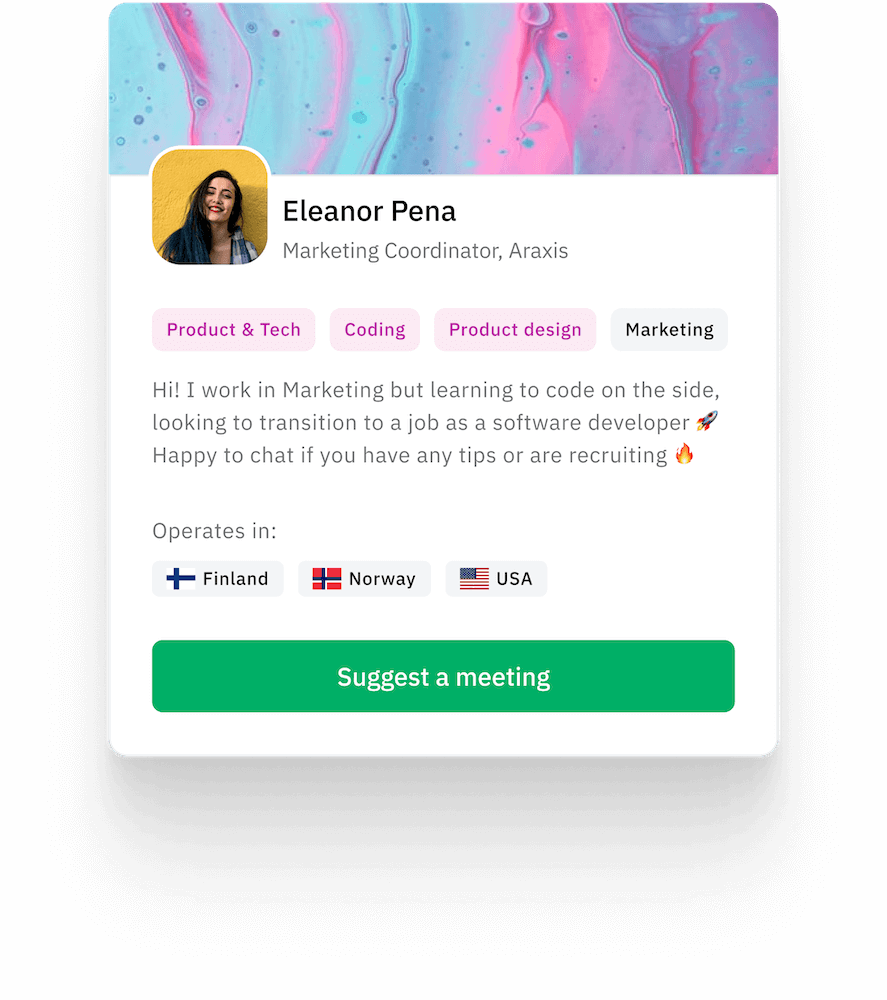
Add photos, titles, bio, skill sets and more! Then enjoy a virtual experience like none other at NFT | LA!
More Helpful Tips and Links
In case of having issues with creating an account in Brella, head over to Resolution steps for Sign-up issues. Problems with the join code? Then go to My join code doesn't work, what should I do?
👉 Notes:
You can access Brella on the web app (next.brella.io) or mobile app (Apple Store or Google Play). If you are attending a virtual event, we recommend using the web app. Also accessible on the mobile browser.